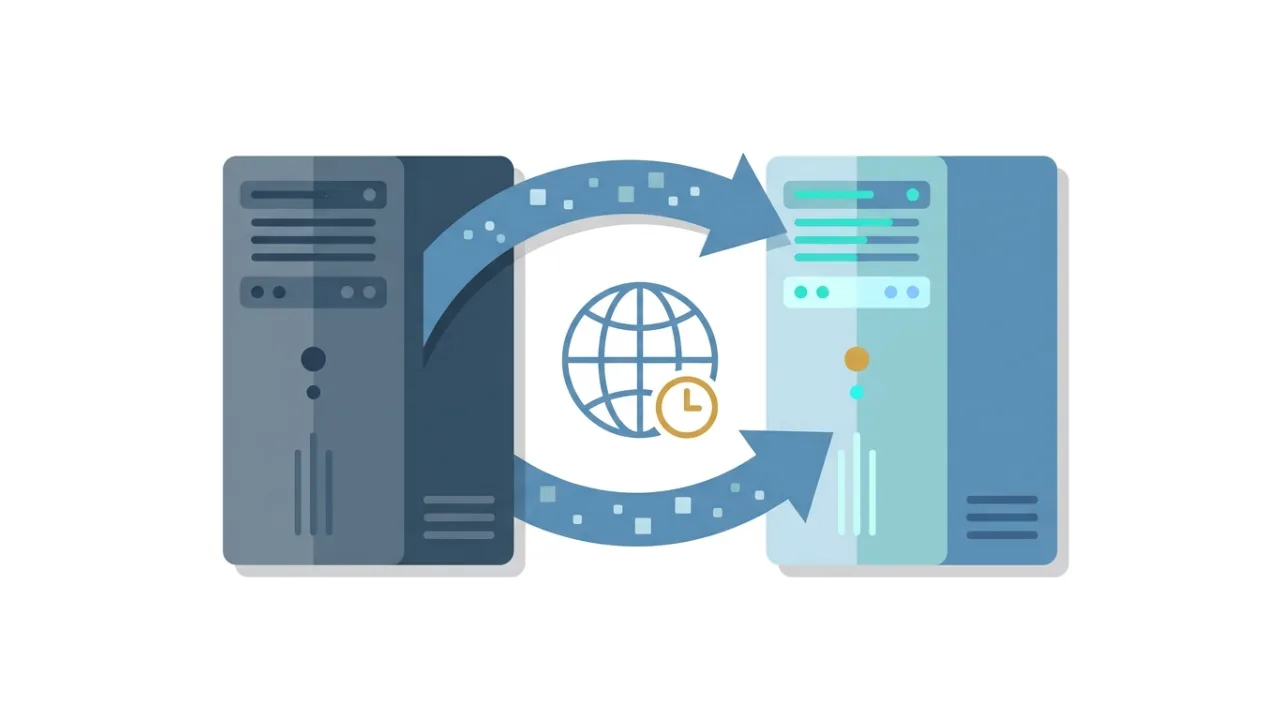
Moving a website to another host is not risky because of the files. It is risky because of timing. The copy takes minutes; the DNS caches still pointing visitors at the old server take hours, and every order that lands on the wrong machine during that window is real data loss. Done in the right order, a migration has an outage measured in seconds — usually zero.
The short answer: downtime comes from DNS, not from copying
Two things create the visible outage.
The first is DNS cache. When you change the A record, resolvers keep serving the old IP until their cached copy expires — governed by the TTL you published before the change, not the one you publish with it. Lowering the TTL an hour before cutover does almost nothing.
The second is split brain. For a while after cutover, some visitors reach the new server and some the old one. Harmless on a static site. On a shop it means orders written to a database you are about to delete.
Everything below shrinks both windows.
Step 1: Inventory what you are moving
Most failed migrations are failures of inventory, not skill. Write down:
- Files — the document root, plus anything outside it: cron scripts,
.envfiles, media on a separate mount. - Databases — names, users, character set and collation.
- Runtime — PHP or Node version, extensions, memory limits,
max_execution_time. - Scheduled jobs — cron entries, queue workers.
- Email — every mailbox, alias, forwarder and autoresponder, plus mailbox sizes.
- DNS — export the whole zone. Not just A and MX: SPF, DKIM selectors, DMARC, CAA, and verification TXT records.
- Third-party allowlists — gateways and SMTP relays that whitelist your current server IP.
If you are outgrowing the plan rather than re-pricing it, decide the target tier now — shared hosting vs VPS vs cloud vs managed WordPress covers where each stops making sense.
Step 2: Take a backup you have actually restored
A backup you have never restored is a hypothesis. Before migration day, take a full backup and restore it somewhere — a local container is enough. You are checking two things: that the archive is complete, and that you know the commands. Keep that copy off both servers; it removes the worst failure mode, which is the old host suspending the account before you noticed something was missing.
Step 3: Lower the TTL 24–48 hours ahead
Set the TTL on the records you will change — usually A, AAAA, and MX if email moves too — to 300 seconds, at least 24 hours before cutover. The rule of thumb: wait at least as long as the old TTL before you rely on the new one. Two caveats.
Resolvers do not always obey. A measurement study of resolvers in the wild (Bhowmick et al., PAM 2023) found roughly 8.7 % of those tested extended TTLs beyond what the authoritative zone specified. Plan for a long tail, not a clean switch.
Changing nameservers is not the same as changing records. The delegation TTL lives in the parent zone at the registry, is typically 24–48 hours, and is not yours to lower. For a fast, reversible cutover, keep your DNS provider and change the A record there. Move nameservers weeks later.
Step 4: Copy files and the database
Copy files first, at your leisure — this has no effect on the live site. rsync over SSH is the least surprising tool; a provider's wizard is fine if it preserves permissions and ownership.
The database is the part that ages. Two workable patterns: a short content freeze (announce a read-only window, export, import, cut over), or a two-pass sync (copy everything early, then re-import only the volatile tables just before cutover).
Either way, rewrite URLs properly. For WordPress, wp search-replace handles serialised data; a raw SQL find-and-replace will quietly corrupt plugin options.
Step 5: Test before you touch DNS
Add an entry to your hosts file mapping the domain to the new IP, then browse the site as a visitor would. While you are the only person on the new server, check:
- Home page, a deep page, a search result.
- Login, checkout or contact form — anything that writes.
- Media URLs. A broken upload path is the classic post-migration bug.
- Mixed-content warnings in the console.
- Redirects:
http→https,www→ apex, and your legacy 301s. - Server speed. web.dev puts a good Time to First Byte at 0.8 seconds or less. If the new host is slower on an empty cache, find out why now.
Also check what you are not publishing: staging copies often ship with a noindex header or a robots.txt disallow. Remove them before going live.
Step 6: SSL before the switch, not after
If the certificate is not valid at the moment DNS flips, visitors get a browser interstitial — worse than a 503, because it looks like an attack.
Most hosts issue Let's Encrypt certificates via HTTP-01 validation, which only succeeds once the domain already points at them. Ways around the gap: use DNS-01 validation if the new host supports it, ask them to pre-provision the certificate, or keep the cutover window tight.
Do not brute-force it. Let's Encrypt allows 5 certificates per exact set of identifiers every 7 days and 50 new certificates per registered domain per week (rate limits). Ten failed attempts on migration morning can lock you out until next week.
Check one more thing: that renewal on the new host is automated. Let's Encrypt is moving default lifetimes from 90 days to 64 and then 45, roughly doubling renewal frequency. A host that renews by hand will eventually forget.
Step 7: Cut over, then watch both servers
Change the record. Then, for the next few hours:
- Watch the old server's access log. Traffic still arriving there tells you how far along cache expiry is.
- Keep the old site read-only. Serving stale content is survivable; accepting orders you will never see is not.
- Read the new host's error logs. Missing extensions and permission errors surface there first.
- Test email separately. MX is its own cutover. Send and receive on every mailbox, then confirm SPF, DKIM and DMARC still validate. If mailboxes move, sync them with
imapsyncbefore the MX change and run a second pass afterwards. - Re-check IP allowlists. New server, new IP; gateways filtering by IP will start refusing connections.
Leave the TTL low for a few days. It is your escape hatch.
The rollback plan
| Trigger | Action | Time to recover |
|---|---|---|
| Broken, DNS not yet changed | Stop. Nothing is live. Fix and retry. | 0 |
| Broken after cutover, no writes yet | Revert the A record to the old IP. | One TTL plus stragglers |
| Broken after orders landed on the new host | Fix forward. Reverting now loses data. | Hours |
| Email not delivering | Revert MX only; leave the site on the new host. | One TTL |
| Certificate invalid | Reissue on the new host, or revert the A record. | Minutes to hours |
Two rules make rollback realistic: keep the old hosting paid for 30 days, and delete nothing on the old server until the new one has survived a backup run and an update cycle.
Pre-flight checklist
- Inventory written down — files, databases, cron, email, DNS, certificates, IP allowlists.
- Zone exported, including SPF, DKIM, DMARC, CAA and verification records.
- Backup taken and test-restored somewhere neither host controls.
- TTL lowered to 300 s at least 24 hours ahead.
- Files and database copied; URLs rewritten with a serialisation-safe tool.
- Site tested via
hostsfile: forms, checkout, media, redirects, mixed content. - Staging
noindexandrobots.txtblocks removed. - Certificate valid on the new host, renewal automated.
- Email tested both directions; SPF/DKIM/DMARC verified.
- Old host alive and read-only for 30 days; rollback triggers agreed.
Still choosing the destination? The web hosting comparison and the WordPress hosting comparison let you filter on backups, PHP versions and migration support; how to compare hosting prices covers the renewal traps.
FAQ
How long does DNS propagation really take?
There is no propagation — there is expiry. Resolvers drop the old record when its TTL runs out. With a 300-second TTL published in advance, most of the world follows within 5–10 minutes. Assume up to 48 hours for the last stragglers.
Can a migration really be zero-downtime?
For a static or mostly-read site, yes — both servers can serve identical content at once, so nobody sees an error. For a site that takes writes, "zero downtime" usually means a short read-only window instead. The honest goal is zero lost data.
Do I have to move my registrar too?
No, and not in the same week. Registrar, DNS provider and hosting are three separate roles. Keeping DNS where it is makes both the cutover and the rollback a single record change.
Will migrating hurt my SEO?
Not if URLs stay the same and the content is identical. What hurts is a leftover noindex from staging or a new server that is meaningfully slower.
Should I let the new host migrate the site for me?
If it is included, usually yes. But free migration means someone copies the files; it does not mean someone checks that your DKIM record survived.
What to do next
Migration is a scheduling problem wearing a technical costume. Lower the TTL early, test through your hosts file, keep the old server read-only, and decide the rollback triggers before you need them. If you are moving for reliability rather than price, read uptime and SLA explained first.