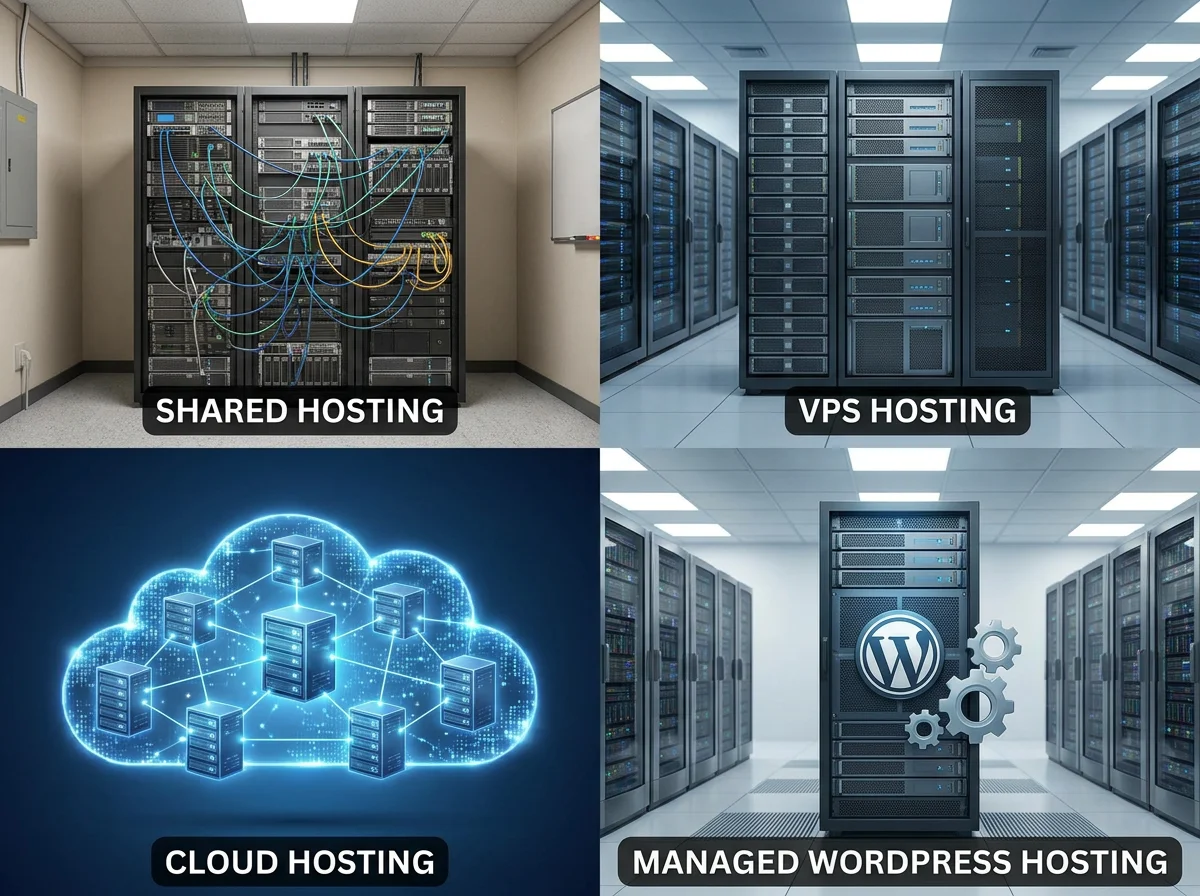
Most "which hosting should I pick" arguments collapse the moment you stop comparing brand names and start comparing who owns what. Shared hosting, VPS, cloud hosting and managed WordPress are not separate products competing on the same axis — they sit on a spectrum from "provider handles everything" to "you handle everything except the bare metal". In this guide I will lay them side by side: what each one actually is, who owns which problem, the performance and security profile you should expect, the true cost over one year, and a few real-world examples for when each is the right pick. The goal is to stop the most common mistakes — buying a VPS to host a brochure site, or running a real WooCommerce shop on a $3/month shared plan.
Fast comparison table
| Dimension | Shared hosting | VPS | Cloud hosting | Managed WordPress |
|---|---|---|---|---|
| What you rent | A slice of a shared server | A guaranteed virtual machine | A pool of compute that scales | A WordPress-tuned platform |
| Who manages the OS | Provider | You | Provider (or you, depending on plan) | Provider |
| Who installs the app | You | You | You | Provider (it is pre-installed) |
| Performance ceiling | Low, with noisy neighbours | Medium, predictable | High, elastic | Medium-to-high for WordPress only |
| Realistic starting price (renewal) | $5–10/month | $10–25/month | $20–60/month | $25–50/month |
| Best for | Brochure sites, blogs | Side projects, internal tools, small SaaS | Spiky traffic, multi-region, growing apps | Commercial WordPress where downtime costs money |
| Worst for | High-traffic WooCommerce, regulated workloads | Owners who do not want to touch the OS | Buyers chasing the lowest sticker price | Anything that is not WordPress |
The decision is not "which is best" but "which problem do I want to own".
Ownership and responsibility, in plain words
Hosting is mostly a question of who takes the 02:00 call when something breaks.
- Shared hosting. You own the application. The provider owns everything else — the OS, the web server, PHP, the database engine, the network. When the server is overloaded, you cannot fix it; you can only complain.
- VPS. You own the OS upward — system updates, web server config, PHP, database engine, mail, monitoring, backups, firewall. The provider owns the hypervisor and the network. When PHP is broken, that is your problem, not theirs.
- Cloud hosting. Varies. "Managed cloud" looks like a VPS but with auto-scaling and a friendlier control panel (the provider still updates the OS). "Unmanaged IaaS" (think raw AWS EC2, Hetzner Cloud) is closer to a VPS with elastic resources — but you own everything above the kernel.
- Managed WordPress. The provider owns the OS, PHP, database, caching layer and the WordPress install. You own content, plugins and themes. When WordPress core updates, they handle it. When a plugin breaks the site, you handle it.
If you have ever heard "we host it ourselves" from a non-technical small business owner, they almost certainly mean shared hosting or managed WordPress. The other two require somebody who actively wants the ops responsibility — either internally or as a contractor.
Performance profile
This is where the brand-name comparisons get most misleading. The honest version:
- Shared hosting has the lowest performance ceiling because you share CPU, memory and IO with neighbours. On a well-run provider you get a time to first byte of 200–500 ms for a default WordPress site. At 18:00 on a busy server it can spike to 1500 ms with no warning. You cannot fix that — it is structurally outside your control.
- VPS gives you guaranteed resources (the CPU cores and RAM advertised are yours, not shared). That removes the noisy-neighbour problem but does not make it fast on its own — you still need to configure web server, PHP-FPM, the database, caching. A well-tuned $20 VPS will outperform a $5 shared plan; a badly tuned one will be worse.
- Cloud hosting is the only category that scales horizontally out of the box. Traffic doubles overnight? Provider adds a node. That elasticity costs money — both literally (you pay for what you use) and in design (your app has to be stateless enough to scale).
- Managed WordPress is tuned for one workload — content sites and ecommerce sites running WordPress. Caching is set up correctly, PHP versions are current, the database is sized for WordPress, the CDN is wired in. For that one workload, it is usually the fastest entry-level option per dollar. For anything else, it is the wrong fit.
A useful rule of thumb: under 50k visitors a month, the hosting tier rarely caps performance — the site does. Above 50k a month, the tier starts to matter, and above 500k it matters a lot.
Security profile
Security is partly the provider's job and partly yours. The split shifts as you move along the spectrum.
- Shared hosting. Provider hardens the OS, runs the firewall, isolates accounts (look for CageFS or equivalent — accounts should not be able to read each other's home directories). You patch your application. The biggest real risk is a vulnerable plugin in your CMS, not the shared environment itself.
- VPS. Provider hardens the hypervisor. You patch the OS. That includes kernel updates, sshd config, fail2ban, firewall rules and any open ports. If you do not have a process for security updates, do not buy a VPS for production — running an unpatched Ubuntu 20.04 on a public IP in 2026 is a self-inflicted wound.
- Cloud hosting. Managed cloud: similar to VPS, but the provider's control plane usually pushes OS patches. Unmanaged IaaS: you are AWS-grade security on your own.
- Managed WordPress. Provider patches the OS, the web server, PHP and WordPress core. You patch plugins and themes. Most managed WordPress hosts block plugins known to be insecure (yes, this is annoying when you actually want one) and run a WAF in front of the site — that is paid security you do not have to assemble.
cPanel's security best practices is a reasonable baseline for what good shared/VPS providers should already be doing on the OS side. It is also a useful checklist if you take on a VPS yourself.
Real cost over one year
The published monthly price is the wrong number to compare. Use this instead.
- Shared hosting. $5/month at renewal × 12 = $60/year. Add ~$15 for a domain. Realistic year-one total: ~$75. Add backups or premium SSL if not included — typically another $30–50.
- VPS. $15/month renewal = $180/year for the VM. Add your time maintaining it (in a small business that is ~1–2 hours per month, so ~20 hours per year). At $50/hour internal cost: +$1,000. If you outsource ops to an admin, $30–80/month. Realistic year-one total: $180 raw + $500–1,200 in time or ops.
- Cloud hosting. $30/month base = $360/year, but it can spike — a Black Friday day at $80 in compute is normal. Realistic year-one total: $360–600, less ops overhead than a VPS if the provider is managed.
- Managed WordPress. $30/month at renewal = $360/year, with backups, CDN and staging usually included. Realistic year-one total: $360–450 with zero ops time.
For a small business site, "cheap shared hosting" is genuinely the cheapest option only if you ignore your own time. The moment you pick a VPS, the calculation changes: you are now paying yourself (or someone else) to be a part-time sysadmin.
Real-world examples
Some calls that hold up in practice:
- Local restaurant with a 5-page site and a contact form. Shared hosting. Anything else is overspending. The site sees maybe 200 visitors a day; performance is not the bottleneck.
- Personal WordPress blog with 5,000 monthly visitors. Shared hosting works. Managed WordPress is worth the upgrade only if the content itself earns money.
- WooCommerce shop with 30,000 monthly visitors and $50k/year revenue. Managed WordPress for commerce, or a small VPS with WordPress hand-rolled if you have a developer. Do not run this on $5 shared hosting — the cart will hang under load and you will lose orders without realising it.
- SaaS marketing site (static export, headless CMS). Shared hosting or the CDN of your choice. Hosting is a thin layer; the CDN does the work.
- Internal tool used by 20 employees. Small VPS. Cheap, predictable, you control SSH access.
- Multi-region B2B SaaS app. Cloud hosting. The elasticity is the product.
- High-traffic news site with traffic spikes around stories. Cloud hosting with a CDN in front. Shared and VPS both struggle with sudden 10× spikes.
The cheapest plan that fits the workload is the right plan. The brand name is mostly noise.
When to upgrade (and when to stay)
You upgrade when something measurable breaks the plan you are on, not when a renewal email arrives suggesting you "go pro".
Triggers to upgrade:
- TTFB above 800–1000 ms during normal hours and you have already fixed caching and PHP version.
- Memory limits forcing you to disable plugins or admin features.
- Downtime that correlates with neighbours on shared hosting (a status page will help you spot this).
- A workload your current plan was not designed for — WooCommerce on a brochure-site plan, a community forum on managed WordPress.
- Compliance requirements that exceed what your provider can document.
Triggers to stay:
- Your site is fast enough and the provider is responsive.
- A "performance plan upgrade" pitch where the only change is more RAM and you do not need more RAM.
- You see one bad day and want to switch the same week. (Pull the status page, decide after a month of data.)
FAQ
Is shared hosting always the cheapest option?
For brochure sites and low-traffic blogs, yes — and that is fine. It stops being the cheapest the moment you add the cost of slow pages, missed orders or hours spent fighting plugin conflicts that a managed environment would have prevented.
Is VPS more secure than shared hosting?
Not automatically. A well-run shared host on CageFS with current PHP is more secure than a poorly maintained VPS with sshd open to the world. Security is a function of who is patching, not which product you bought.
Does cloud hosting replace a CDN?
No. Cloud hosting is elastic origin compute; a CDN caches your responses near the user. They solve different problems and most production sites benefit from both — see also what hosting controls in Core Web Vitals.
Is managed WordPress worth the premium?
For a commercial WordPress site, almost always. For a personal blog, rarely. The premium pays for caching, backups, staging and (most importantly) somebody else owning the WordPress core upgrade path.
Should I pick the provider with the highest "uptime"?
Pick the one with a real SLA document, a public status page and a credible incident history. "99.99 % uptime" on the homepage with no SLA is marketing copy.
Can I move between these tiers later?
Yes, but moving costs time and risk — DNS changes, mail rerouting, SSL re-issuance. Make the tier choice deliberately so you do not move every 12 months.
Decide once, monitor monthly
Pick the tier that matches the workload and the kind of problem you want to own. Measure performance and downtime monthly. Move tier when measurements force you to, not when the renewal email suggests it.